Text Messages
How The Cigar Library uses text messages, and how a member signs up for them.
Who sends these messages
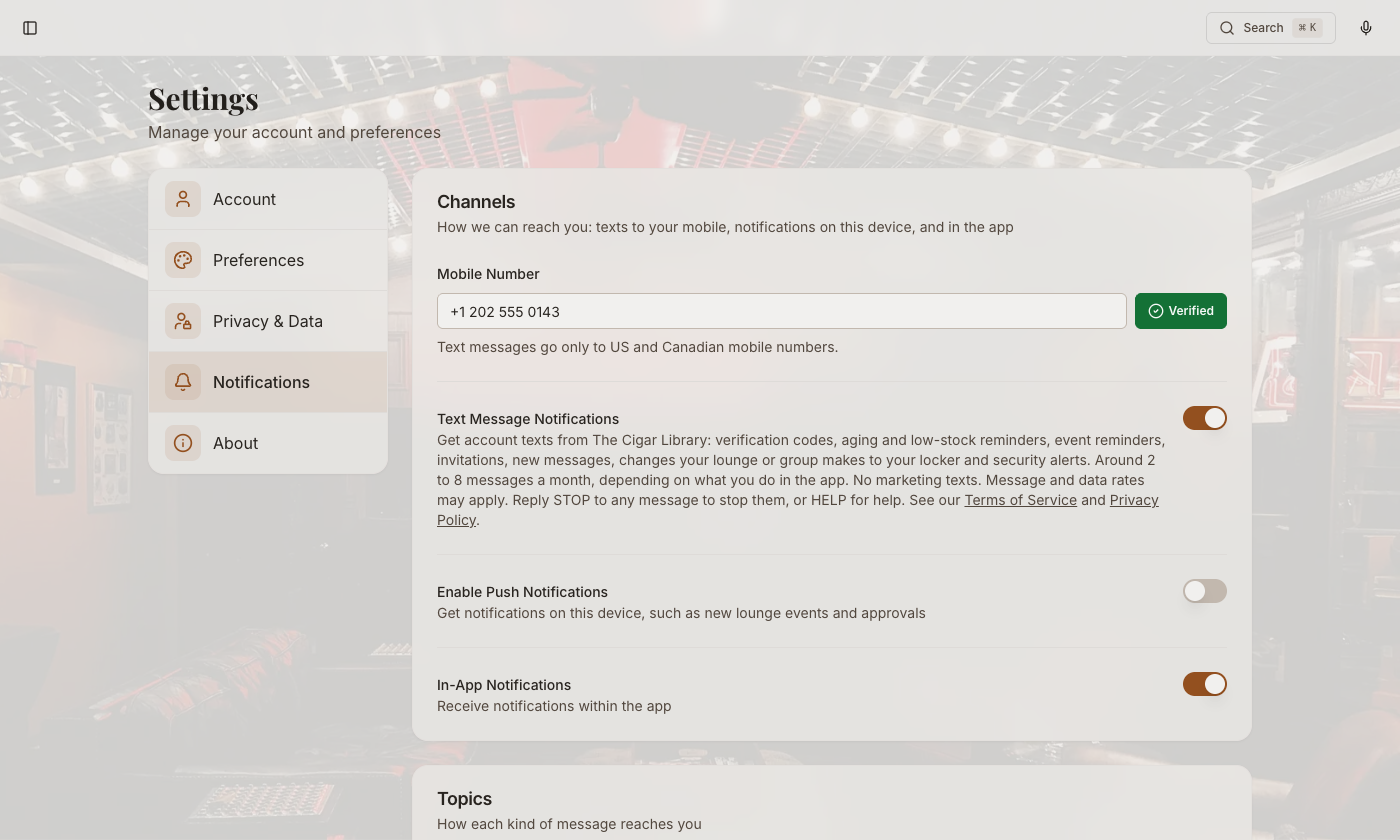
The Cigar Library, an app for cigar collectors run by TeqBean Holdings, LLC, sends them. They are account notifications: verification codes, reminders about your own collection and the events you registered for, invitations another member sent you, notices about your account, changes a lounge or group makes to your locker there, and security alerts. A member who turns them on gets around 2 to 8 messages a month, depending on what they do in the app. Message and data rates may apply. Reply STOP to any message to stop them (STOPALL, UNSUBSCRIBE, CANCEL, END and QUIT work too), START to turn them back on, or HELP for help. After STOP we send one text confirming you won't get more, and nothing else. You can also turn them off in Settings → Notifications, or ask us in any other reasonable way, for example at support@thecigarlibrary.com; we act on it at once, and within 10 business days at the latest.
We never send marketing or promotional text messages, and there is no setting that would let us. Anything of that kind is email only, and has its own separate switch. Two-factor sign-in uses an authenticator app or an emailed code, never a text message.
How a member signs up
Text alerts need a Robusto plan or higher. They are off for every account, and a member turns them on themselves, in three steps:
- Open Settings → Notifications and enter a mobile number.
- Press Verify. We text a code to that number, and the member types it back in. Until the number is verified, the Text Message Notifications switch cannot be turned on.
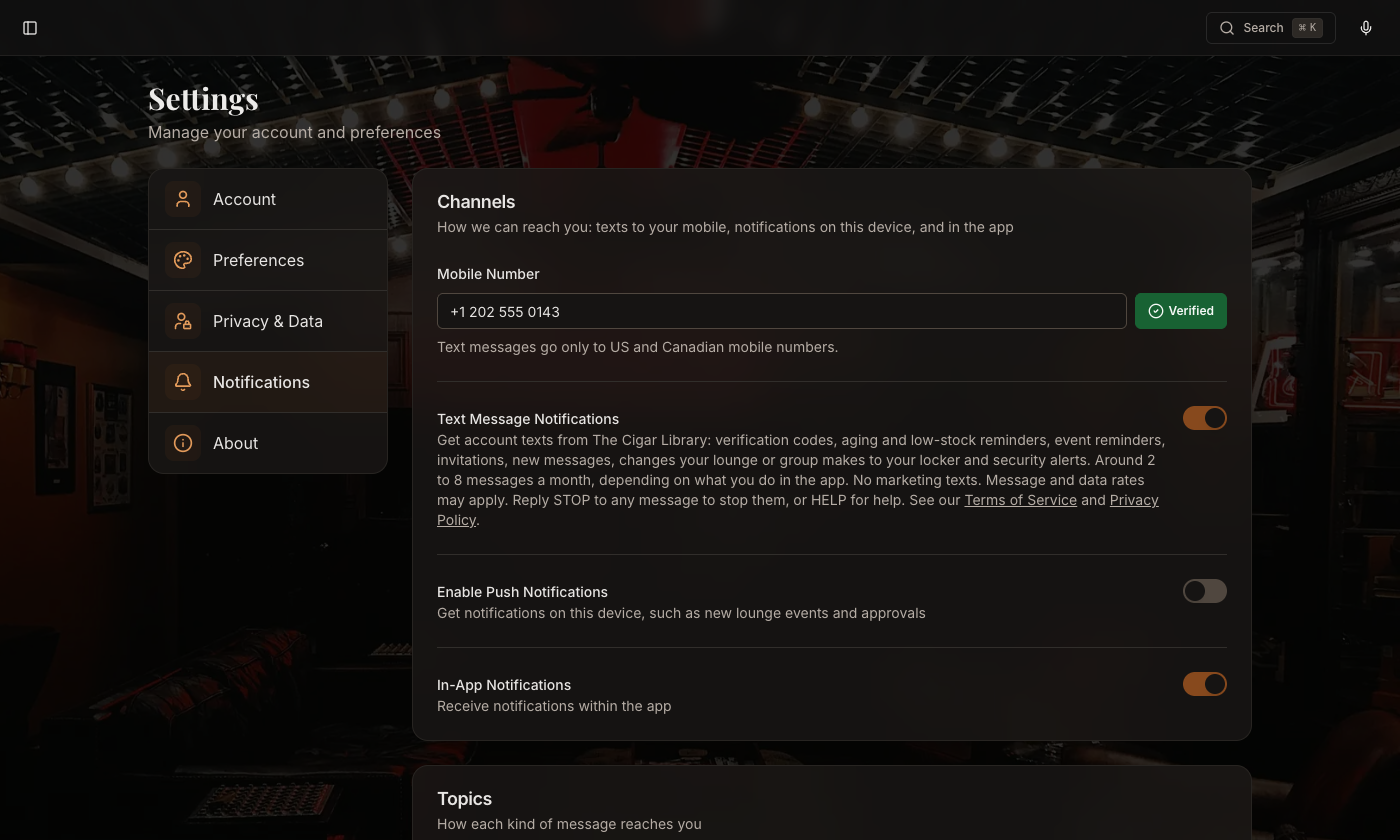
- Turn on Text Message Notifications. The switch sits under the wording below, so the member reads who sends, what about, how often, that rates may apply, and how to stop, before turning it on.
Turning the switch on sends one confirmation text and nothing else. Each kind of notification then has its own switch, also off until the member turns it on. Turning Text Message Notifications off, replying STOP, or changing the mobile number stops the messages.
When a member turns Text Message Notifications on or off, in Settings or by replying STOP or START, we record when, how, the mobile number, and the version of the wording above that they saw. We keep that record while texts are on and for 4 years after they stop, as evidence of the member's choice (our Privacy Policy, section 9).
Age requirement
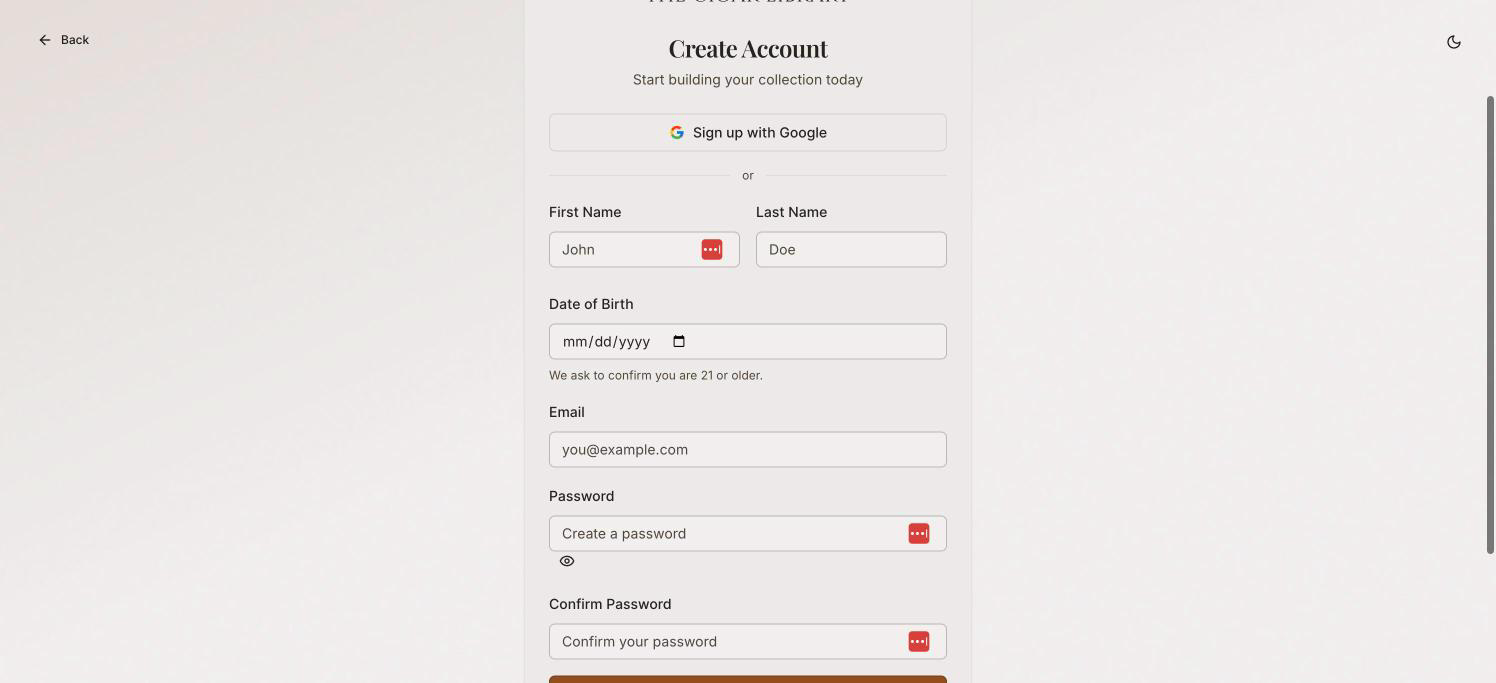
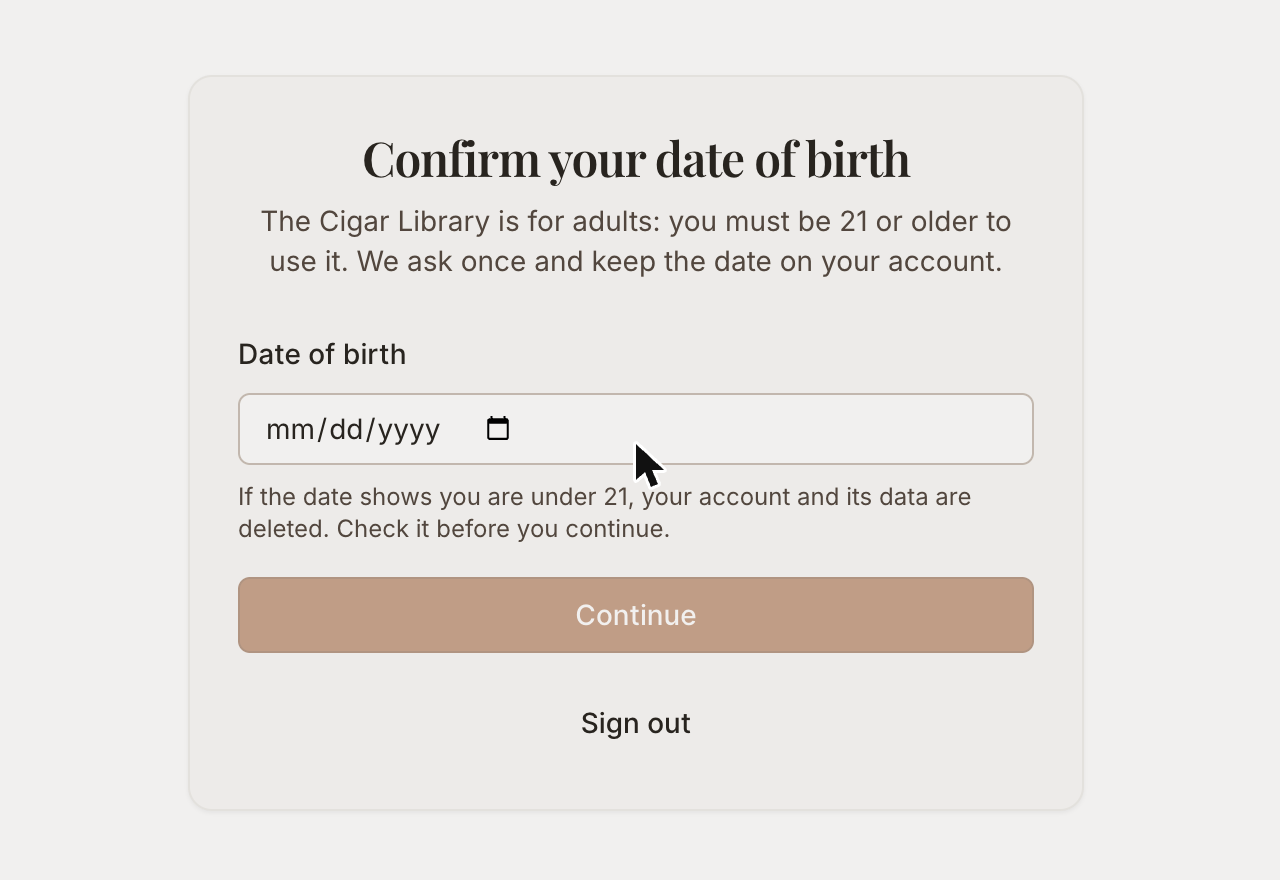
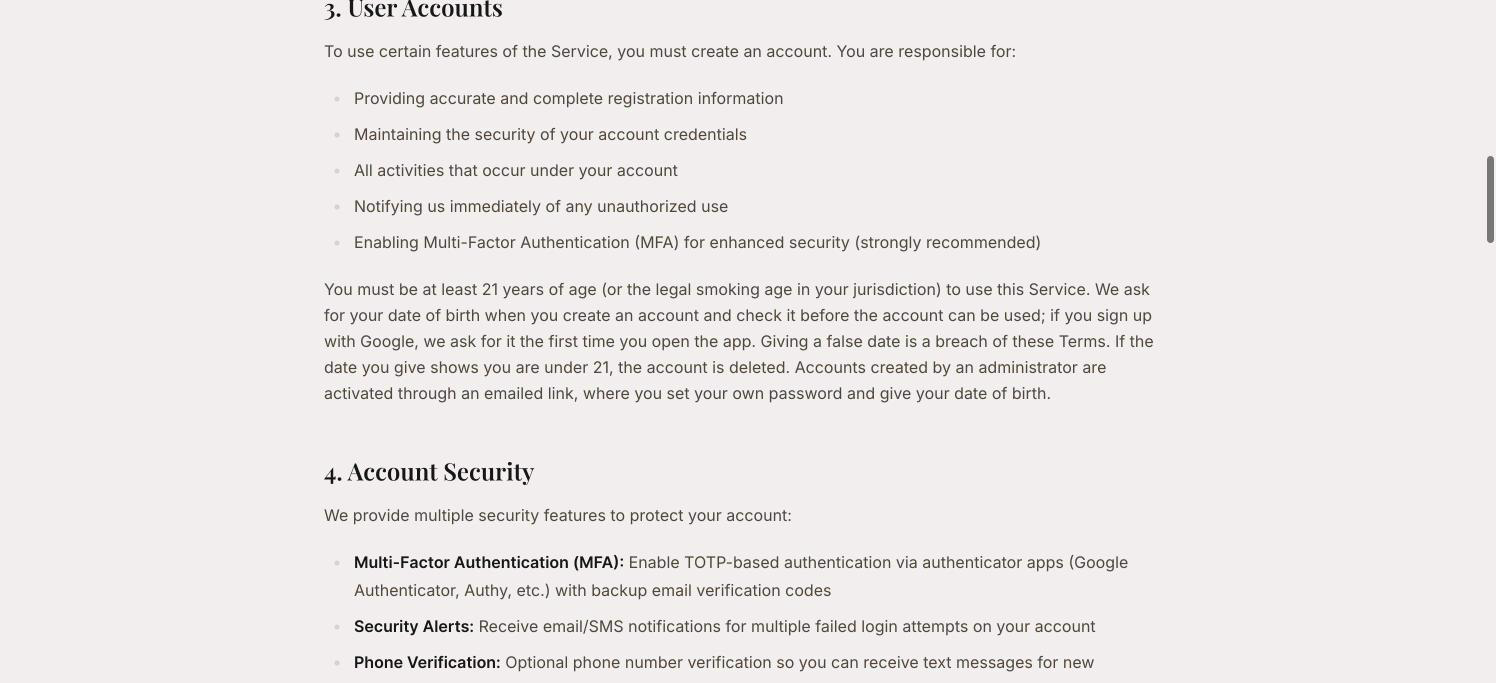
The Cigar Library is for adults 21 and over. Every account gives a date of birth when it is created, and the server refuses anyone under 21; an account created through Google or Apple sign-in is asked for the date before the app can be used. Nobody can change their own date of birth afterwards, and a correction goes through support@thecigarlibrary.com.
Text messages therefore only ever go to a member who has confirmed they are 21 or older, and who has also verified their mobile number and turned the switch on themselves. Text messages go only to US and Canadian mobile numbers, and only to members 21 or older. The requirement is set out in section 3 of the Terms of Service.
What we send
Every text message the app can send, with a sample of each. Square brackets stand for a member's own details, which are filled in when the message goes out.
Sign-up confirmation
The Cigar Library: you're signed up for account texts (codes, reminders, alerts). 2-8 msgs/mo. Msg & data rates may apply. Reply HELP for help, STOP to opt out.
Verification code
Your Cigar Library verification code is: [Code]. It expires in 10 minutes.
Email verification link
Verify your email for The Cigar Library: [Link]
Password reset link
Your password reset link for The Cigar Library: [Link]
Account invitation
[Name], you've been invited to The Cigar Library. Activate your account within [Hours] hours: [Link]
Sign-up attempt on an address that already has an account
The Cigar Library: someone tried to create an account with your email address. Set a new password at [Link]/forgot-password if it wasn't you.
Security alert
SECURITY ALERT: [Count] failed login attempts detected on your Cigar Library account from IP [IP]. If this wasn't you, change your password.
Smoke Ring invitation
You have a new Smoke Ring invitation on The Cigar Library. Reply STOP to opt out.
Shared humidor invitation
You have a new invitation to share a humidor on The Cigar Library. Reply STOP to opt out.
New direct message
You have a new message on The Cigar Library: [Link]/app/messages Reply STOP to opt out.
Aging reminder
The Cigar Library: [Name], your [Brand] [Cigar] has aged [Months] months. Reply STOP to opt out.
Event reminder
The Cigar Library: you're registered for [Event] on [Date] at [Venue]. Reply STOP to opt out.
Low stock reminder
The Cigar Library: some of your cigars are below your restock levels. Reply STOP to opt out.
Submission approved
The Cigar Library: [Name], your [Type] '[Item]' was approved. Reply STOP to opt out.
Inactive account warning
[Name], your free Cigar Library account will be archived in [Days] days. Sign in to keep it: [Link] Reply STOP to opt out.
A lounge changed what's in the member's locker
The Cigar Library: your lounge changed what's in your locker. See it in My lounges. Reply STOP to opt out.
A HERF changed what's in the member's locker
The Cigar Library: your group changed what's in your locker. See it in My HERFs. Reply STOP to opt out.
Account archived
The Cigar Library: your account was archived for inactivity. Sign in to restore it: [Link] Reply STOP to opt out.
More
Smoking cigars harms your health. The Cigar Library sells no tobacco and is for adults only. Health and responsible use